Three surfaces, one platform, different jobs to be done
- Claude Projects is the memory layer: persistent context, preferences, and files across every session.
- Claude Code is the precision tool: terminal-based, agentic, and token-efficient for deep technical builds.
- Claude Cowork is the delegation layer: non-technical teams can assign and schedule complex tasks without touching a terminal.
- MCP connectors link all three surfaces to Gmail, Slack, Notion, Salesforce, and 50+ other tools.
- Most business teams benefit from running at least two surfaces: Projects for continuity, Code or Cowork for execution.
Most people still think of Claude as a chatbot. In 2026, it is three distinct surfaces, each suited to different kinds of work: Projects for context-heavy ongoing tasks, Code for deep technical builds, and Cowork for delegating to an AI that takes real actions. Knowing when to reach for which one is the difference between Claude as a conversational tool and Claude as a business operating layer. Aurora uses all three internally and builds client stacks that layer them together. This guide breaks down each surface honestly, including the parts that are not fully mature yet.
What is Claude Projects and how does it help with ongoing business work?
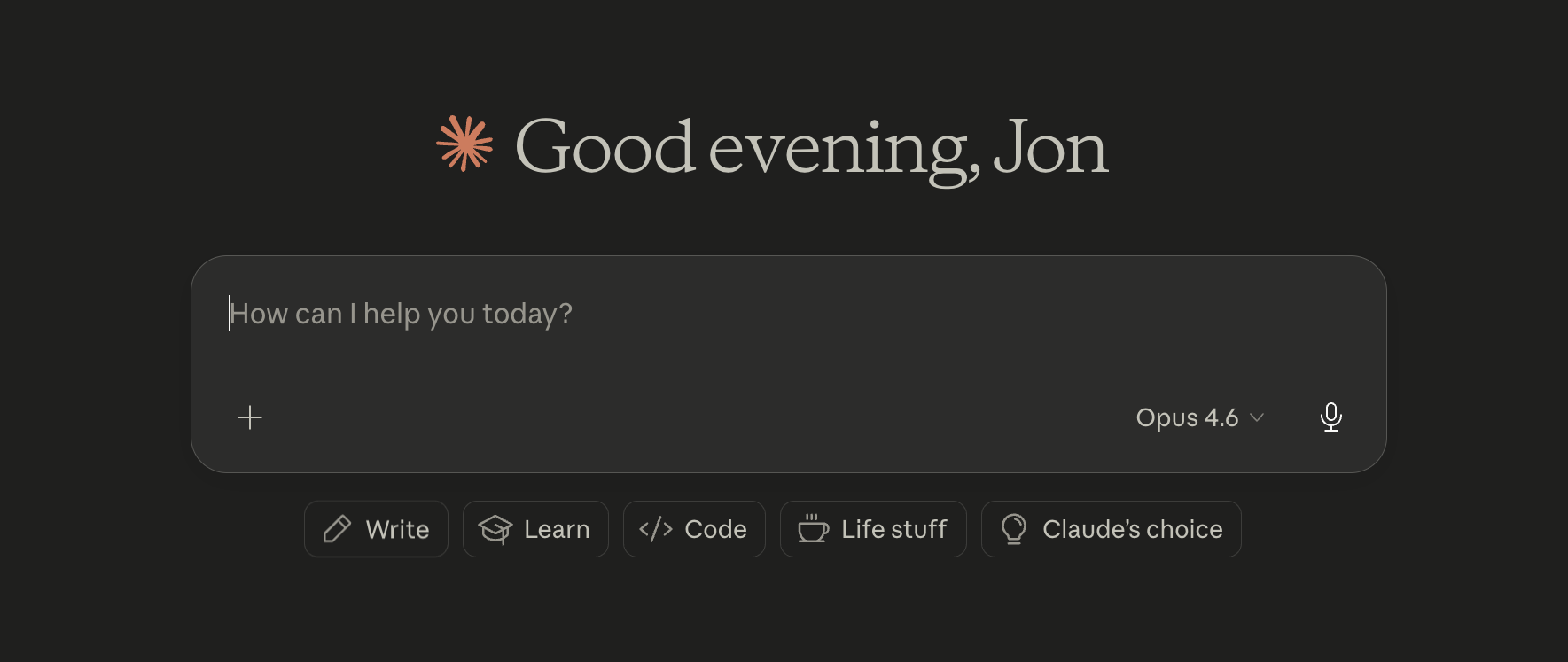
Claude Projects is a persistent workspace inside Claude.ai where every conversation carries forward your preferences, files, instructions, and past context. Rather than starting from scratch each session, you build up a working environment, and Claude brings all of it into every exchange.
Projects works best for iterative, context-dependent work: content strategy, brand voice development, recurring client deliverables, and anything where “remembering how you prefer things done” saves real time. Aurora runs a LinkedIn content system inside a Project with brand guidelines, vocabulary rules, and tone preferences embedded. Every new piece picks up where the last one left off, without re-explaining the setup.
The practical value of Projects is compounding context. The more structured guidance you embed, the less time you spend re-explaining your preferences in each session. For businesses that do recurring knowledge work, a well-configured Project functions as a trained collaborator that knows your preferences, not a general assistant that asks the same clarifying questions every time you open it.
A well-structured Project should include a clear system prompt at the top level, reference documents for tone and brand rules, examples of outputs you liked (and why), and standing instructions for recurring tasks. The more explicit you are upfront, the less correction you do later.
The honest tradeoff: ambient context costs tokens. Running intensive, multi-document tasks inside a loaded Project will exhaust your session limit faster than a clean session would. If you have hit the “your session limit resets at 2:00pm” message mid-task, this is why. Projects is the right environment for day-to-day operating work. For large technical builds, it is the wrong surface.
What is Claude Code and when does it make more sense than Claude Projects?
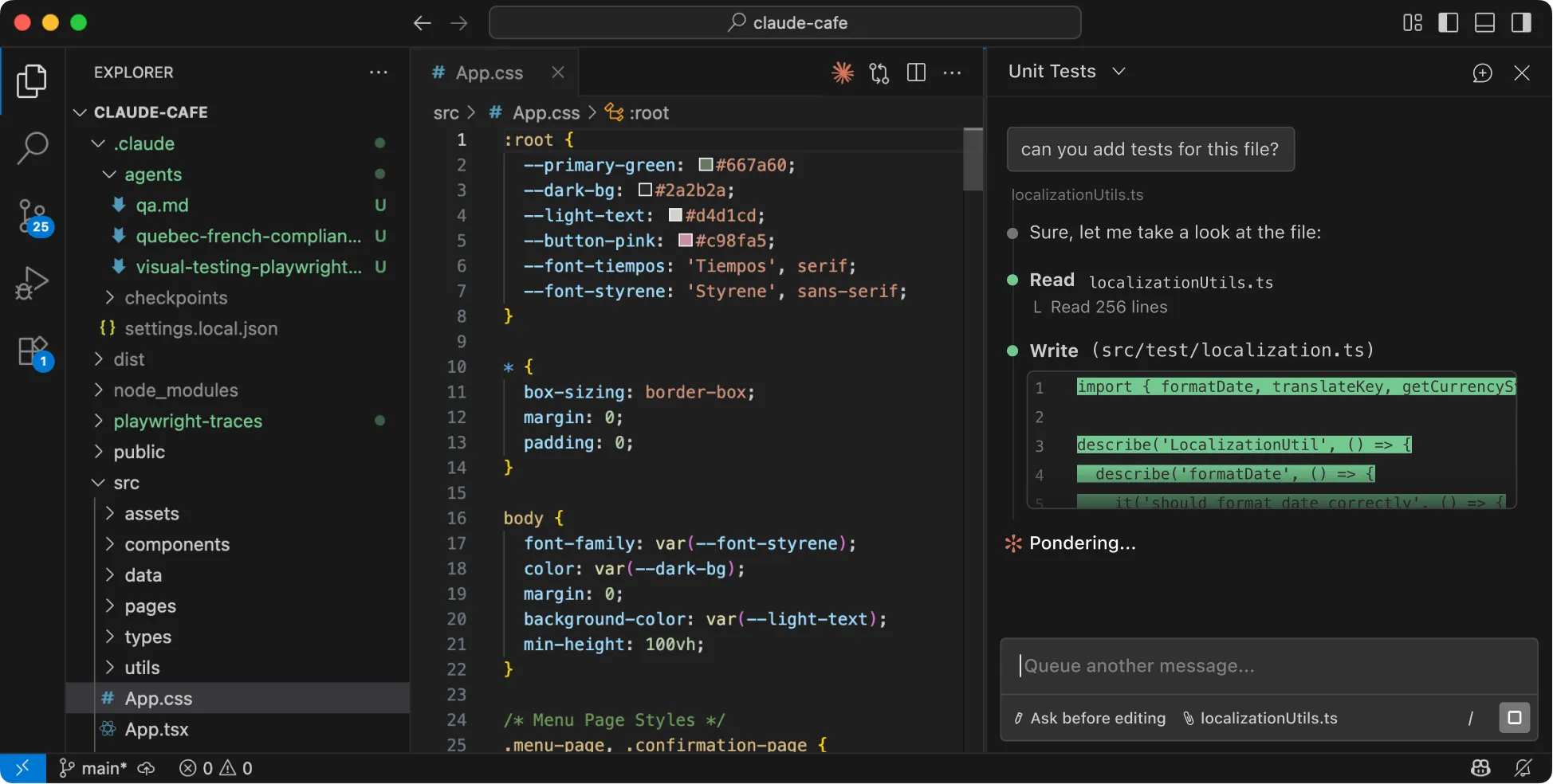
Claude Code is a terminal-based, agentic version of Claude that reads files from your local machine, edits code surgically, and completes multi-step tasks without requiring a browser. It is not a chat interface. It operates directly in your project directory, closer to a technical collaborator than a conversational assistant.
For deep technical builds, Claude Code has a meaningful token efficiency advantage over Projects across three dimensions. First, it reads files selectively: rather than loading your entire codebase upfront, it pulls individual files into context only when the task requires them. Second, it edits surgically: if three lines need to change in a 400-line file, it changes three lines. Third, you can direct it to write critical context to markdown files mid-session, giving you precise control over what carries forward to the next task.
Aurora uses Claude Code to build business automation platforms and client-facing tools. The combination of selective file access and surgical edits makes it viable for projects that would exhaust a Project’s context window inside a single working session.
According to a 2024 study by GitHub, developers using AI coding assistants completed tasks 55% faster on average than developers working without them, with the efficiency gap widening on unfamiliar codebases. That advantage compounds when the AI operates directly inside the codebase rather than receiving copy-pasted snippets through a chat window.
A note on responsible use: Claude Code is agentic, which means it takes real actions. It creates files, runs shell commands, and installs packages. A few principles Aurora follows for all client work:
- Read every confirmation prompt before approving, especially on library installs.
- Keep API keys in a separate environment file that Claude Code cannot modify.
- Use virtual environments before any dependency installation.
- Treat auto-approve mode as a setting for trusted, well-defined tasks rather than exploratory work.
Staying present matters more with Code than with any other Claude surface. It is producing outcomes, not suggestions.
The honest tradeoff: no persistent memory between sessions. You start fresh each time unless you create a CLAUDE.md file in your project directory, which Claude Code reads automatically at session start. For continuity-dependent work, Projects wins. For deep builds and token-intensive tasks, Code is the right choice.
What is Claude Cowork and what can non-technical teams do with it?
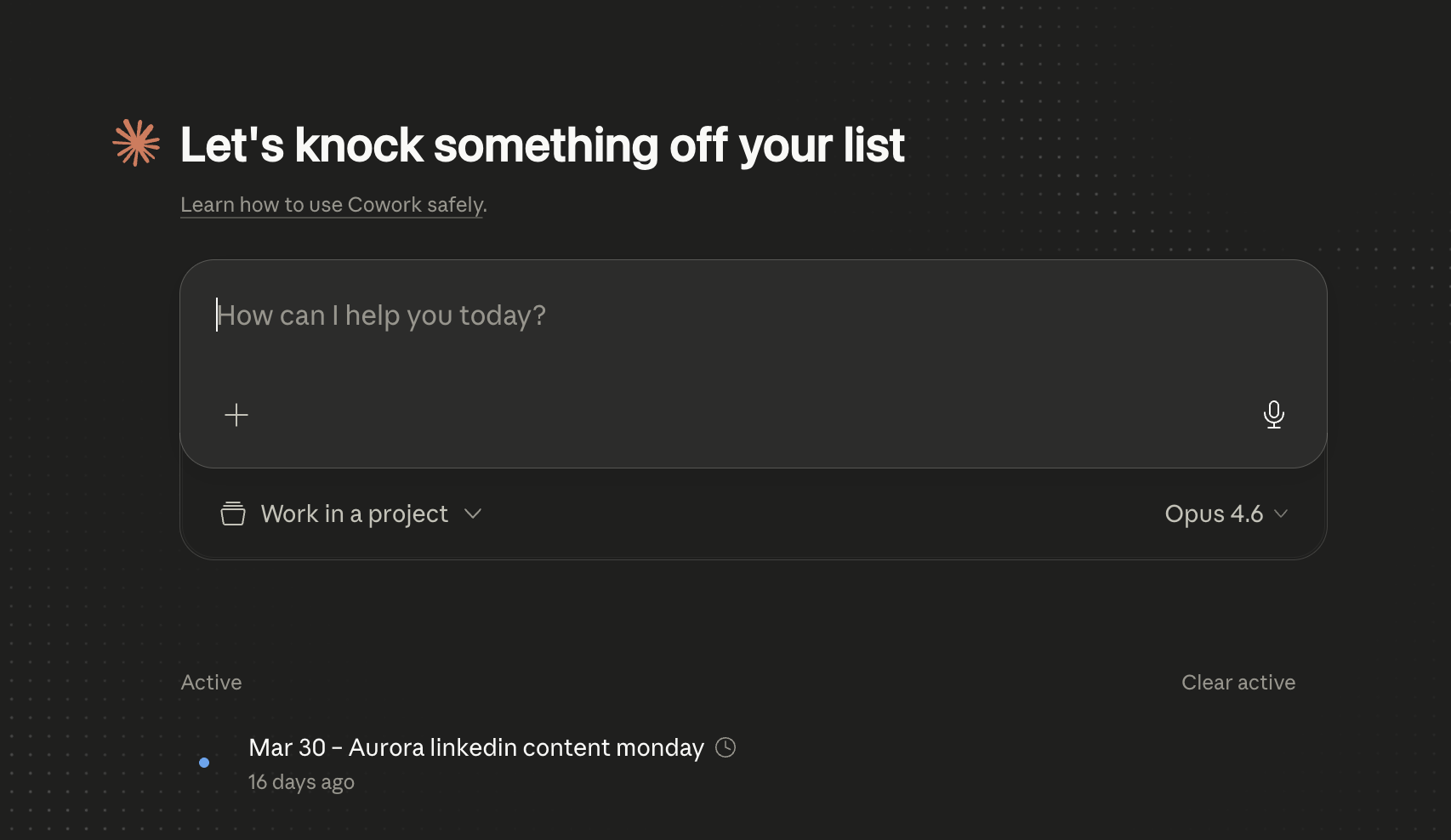
Claude Cowork is the newest of Claude’s three surfaces, launched by Anthropic in January 2026 as a research preview. Built on the same agent SDK as Claude Code, Cowork is designed for people who will never open a terminal: you describe the task, and Cowork handles execution, from file organization and data analysis to presentation generation and report creation.
The defining feature of Cowork is the Dispatch integration, which lets you assign tasks from your phone and have them execute on your desktop. Assign a presentation build during your commute; it is ready when you arrive.
This matters for business operations specifically. Cowork occupies the space between workflow automation tools (n8n, Make, Zapier) and a full Claude Projects setup. Where workflow tools require predefined logic and structured triggers, Cowork handles varied, judgment-heavy tasks that resist being scripted in advance. Where a Project requires an active user in the conversation, Cowork runs autonomously against a defined objective.
For teams with mixed technical and non-technical staff, Cowork is the handoff layer: technical staff configure the environment, and non-technical operators run recurring tasks (weekly competitive briefings, monthly data summaries, formatted report generation) without touching the underlying system. Scheduled and recurring tasks are a natural fit. Assign them once, review the output, adjust the instructions.
For business operators who have been watching the “workflows vs. agents” conversation and wondering where the accessible on-ramp is, Cowork is it. It brings the agentic model to people who need outcomes, not infrastructure.
The honest tradeoff: it is early. Pro users hit usage limits faster than with other surfaces. Persistent memory between sessions is still in development. The tooling is capable but not fully mature for production workloads that require guaranteed, unmonitored completion.
What are Claude MCP connectors and which tools do they support?
Model Context Protocol connectors are integrations that let Claude read from and act on external tools during a conversation or task. Anthropic released the MCP specification as an open standard in November 2024. The protocol is what moves Claude from a reasoning engine to a viable automation platform for business use.
As of early 2026, the official MCP connector directory lists more than 50 integrations, with new connectors added weekly as the open-source community builds on the protocol. Current coverage includes Gmail, Slack, Notion, Asana, Salesforce, Google Drive, Zoom, GitHub, and Linear, among others.
When Claude can read your CRM, check your calendar, search your Drive, and post to Slack, it starts competing with workflow platforms on integration breadth while offering reasoning that Zapier and Make cannot match.
Aurora has MCP connectors configured for Google Calendar, Gmail, Notion, n8n, Google Drive, and Framer. In practice, this means Claude can cross-reference a calendar invite, pull context from a Notion database, and draft a briefing document in a single pass, without switching tools or writing a workflow to chain those steps together.
The relationship to workflow platforms is complement, not replacement. For complex, deterministic processes (invoice routing, CRM field updates, multi-branch conditional logic), n8n and Make are still the right tools. The structured determinism of those platforms is a feature, not a limitation. But for the varied, judgment-heavy work in between structured automations, Claude plus MCP connectors is increasingly viable. According to McKinsey’s 2024 State of AI report, 65% of organizations are now regularly using generative AI in at least one business function. The teams moving past that initial adoption are the ones connecting Claude to their existing tool stack rather than running it in isolation.
How do Claude Projects, Code, and Cowork compare for business use?
These three surfaces are built for different kinds of work. Using the wrong one for a task costs time: you hit context limits, lose session state, or work around capability gaps that would not exist on the right surface. The table below reflects Aurora’s operating experience, not vendor positioning.
| Claude Projects | Claude Code | Claude Cowork | |
|---|---|---|---|
| Best for | Ongoing, context-heavy work | Deep technical builds | Delegation, non-technical teams |
| Memory | Persistent across sessions | None by default (CLAUDE.md helps) | In development |
| Token efficiency | Lower (ambient context always loaded) | Higher (selective file reads) | Medium |
| Technical skill required | None | Terminal familiarity | None |
| Agentic (takes real actions) | No | Yes | Yes |
| External tool access | Via MCP connectors | Via MCP connectors | Via MCP and Dispatch |
| Avoid using for | Large multi-file technical builds | Continuity-dependent work | Production-critical unmonitored tasks |
The Aurora Three-Surface Rule: use Projects for daily operating context, Code for anything requiring file access or automation builds, and Cowork for recurring structured tasks that non-technical team members need to own.
This is not an either/or decision. Aurora typically runs all three simultaneously on client engagements: Projects holds the strategy and brand context, Code builds the tools, and Cowork lets the client team operate what was built without requiring ongoing technical support.
How does Aurora use Claude Projects, Code, and Cowork together?
Aurora’s internal stack layers all three surfaces, and this is the pattern we recommend for service businesses with a mix of technical and non-technical staff.
Projects holds the operating context. Brand voice rules, client preferences, tone guides, and strategic frameworks live here. This is the memory layer. It does not handle heavy lifting; it carries the context that makes every output consistent across the team and across time. Think of it as the briefing document that never needs to be re-sent.
Claude Code handles builds. Client automation platforms, multi-file codebases, workflow automation configurations, and anything requiring direct file manipulation runs through Code. A typical engagement starts with a CLAUDE.md file capturing system architecture and operating rules, which Claude Code reads at session start. The full MCP protocol is available in Code sessions, so the same external tool connections configured in Projects apply here as well.
Cowork is the handoff layer. Once a system is built, the client team needs to operate it without touching the underlying configuration. Cowork handles the recurring tasks, and Dispatch means those tasks run on a schedule or on mobile assignment without requiring someone to open a terminal.
All three surfaces connect to the same external tools via MCP. A client’s Gmail, calendar, CRM, and project management tools are available to whichever surface is appropriate for the task at hand. That shared integration layer is what turns three separate Claude features into a coherent operating environment. This is an applied version of the AI agent architecture we have written about, running a coordination layer (the operator working in Projects or Cowork) alongside specialist agents (Claude Code sessions) that cross multiple tool boundaries.
If you are working out which Claude surface fits your team’s actual workflow, or how to connect these tools to your existing stack, that is exactly the kind of assessment Aurora is built for.
FAQ
What is the difference between Claude Projects and Claude Code?
Projects provides persistent memory and context across sessions. Code is terminal-based and agentic, built for file editing and technical builds. Neither replaces the other.
What is Claude Cowork?
Cowork is Anthropic's agentic surface for non-technical users, launched January 2026. It executes structured tasks like reports and file organization from plain-language instructions.
What are MCP connectors for Claude?
MCP connectors let Claude integrate with external tools like Gmail, Slack, Notion, and Salesforce. Over 50 connectors are available in Anthropic's open-source directory.
Which Claude surface is best for small businesses?
Claude Projects for ongoing work, Claude Code for technical builds, and Claude Cowork for delegation. Most businesses benefit from using at least two surfaces together.
Does Claude Code require coding skills?
Some terminal familiarity helps, but Claude Code handles most actual coding. You primarily describe tasks clearly and review what it proposes before approving.